How to Clean a Laptop Keyboard
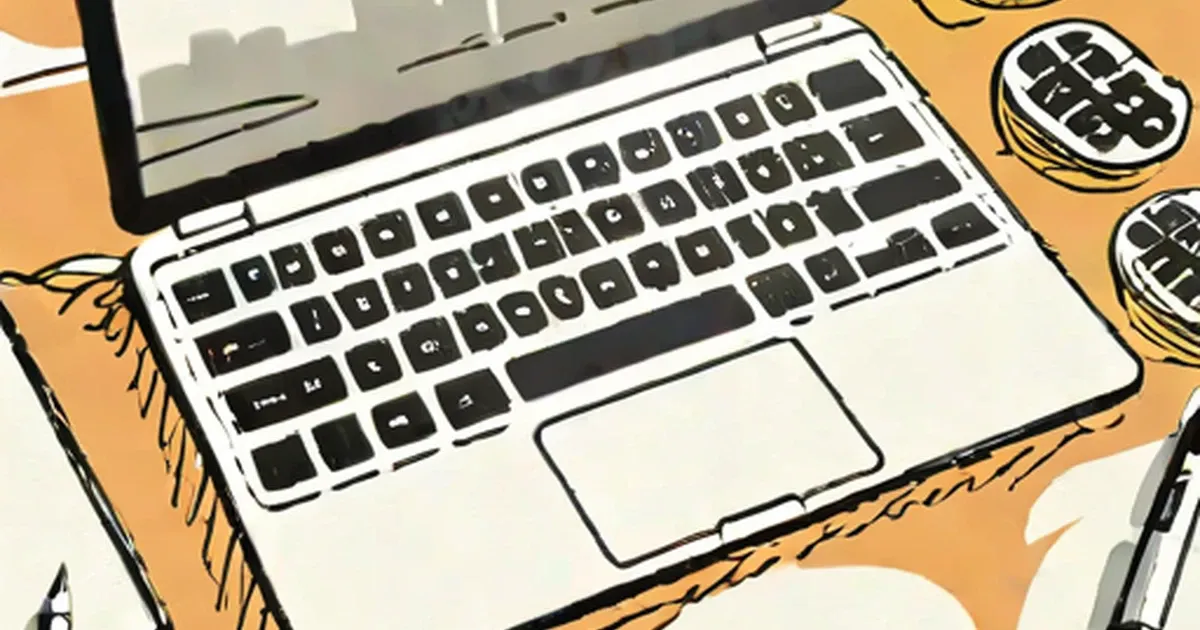
Many a times we tend to ignore the importance of cleaning a laptop. Keeping a laptop clean can make it more efficient and therefore better equipped for our use. So here are some tips on how to clean a laptop keyboard:
Yes, we know your laptop is literally an extension of yourself. You live, eat and sleep with it..and why not you say. The laptop has been a loyal friend where many others have chosen to let go (probably ’cause of the laptop obsession...but hey, what do I know). So you love it to pieces (not literally, no), but are you keeping it clean? Sure you might be wiping the screen clean and keeping it in cloth wraps, but what about the keyboard? Do you clean the keyboard of all it’s grime? You do know that the dust that collects if not cleaned, can over time, harm the laptop pretty bad right? No? OK, so now you know. And what about if the laptop suffers a spill? There’s no need to panic, read the tips we’ll give you on how to clean a laptop keyboard and just follow suit.
Cleaning Keyboard Keys
So let me guess, you usually take a small duster or brush and brush your keyboard keys clean - right? That would clean the surface of the keys no doubt, but what about the crevices and nooks on the sides of the keys or the under side? It’s easy to clean laptop keyboard keys when you know the correct way of doing it. Here’s how.
With the Keys in Place
- The easiest way to clean the laptop computer keyboard keys is to use a can of compressed air. Take the air and blow between the keys and the dust will simply be blown out.
- The other way on how to clean a laptop keyboard is to simply turn the keyboard over and gently tap it several times for the collected dust to come out. But this does not ensure a thorough cleaning.
- Remove the cover of the laptop and using a hairdryer blow wind on it. The dust will dissipate.
With the Keys Removed
If the keyboard has not been cleaned for a long time then there are chances that it will have collected layers of dust, grease and grime. And cleaning the laptop with the keys intact won’t help. In such a situation the only thing that can be done on how to clean a laptop keyboard, is to remove the keys and clean under the surface.
To do this:
- Use a small knife or screwdriver and pop off all the keys.
- Do NOT use excess force or it will damage the keys. The keys will pop out by themselves with the slightest of pressures.
- Place these keys in lukewarm water that has been mixed with mild detergent.
- Let them soak for sometime.
- Each key has a small rubber attached to it. Be careful not to lose this while cleaning or soaking. It will be helpful if the rubbers are kept in a separate container of detergent water themselves.
- Move on to the keyboard next. Take a damp cotton (Make sure it isn’t wet) and wipe the entire keyboard clean.
- Replace these with clean ones whenever they get dirty.
- Next, take the cotton and dip it in a solution of rubbing alcohol and repeat the same procedure.
- Then take a solution of lighter fluid and clean the keyboard thoroughly from all sides.
- It is important to clean all the crevices, nooks and corners and every side of the laptop. Only then will it be clean.
- These steps will also help to clean laptop keyboard spills like coffee or cola.(There you go! Happy?)
- If it becomes difficult to use the cotton to clean all the sides, then cotton swabs or tweezers can also be used.
- Once the keyboard is completely clean, move on to the keyboard keys. Remove these keys from the water that they were soaked in and run them under water.
- This will get rid of the loosened grime.
- Then take a small toothbrush and rub the dirt till it goes.
- After the keys have been cleaned, place them on a towel for all the water to drain out.
- The rubbers that were soaked in a separate container should be washed with light hands and then dried on a towel as well.
- To lubricate the keys use any dry film lubricant.
- Do this after the keys have been placed upside down. Lubricate them on all sides.
- Do not dip it with the lubricant as this will damage the key. Simply coat and let dry.
- Use the same technique with the keyboard as well, after you have carefully covered the screen.
- Then assemble the rubbers at the back of the keys and attach them back on to the keyboard.
Read more on how to clean a keyboard.
Cleaning the Rest
Cleaning of a laptop does not stop at merely the keyboard and the keys. The other parts need to be cleaned as well. To clean the areas surrounding the drives and the different ports, use a can of compressed air again. This should be used while applying minimal pressure as applying extra pressure from very close to the computer can harm it. For the surface, a damp cloth that has been dipped in mild detergent can be used.
Cleaning the Screen
- Prepare a solution of isopropyl alcohol and distilled water in a 50/50 ratio. Alternately vinegar and distilled water used in the same ratio also works.
- Take a cotton cloth and dip it in the solution. Then squeeze it so that all the extra liquid is drained out and the cloth only remains slightly damp.
- Never use a tissue paper to clean the screen. So also never use tap water for the same
- Take the cloth that was dipped in the solution and using gentle strokes clean the screen in circular motions.
- Avoid using products that have ammonia in them. Also never spray the screen directly with any sort of liquid.
Read more on
- How to Clean Laptop Screen
- How to Clean Your Computer
So then pamper your laptop with these tips on how to clean a laptop keyboard and let the love affair continue!